
TrustIoT Gateway
Plug in one cable and data starts flowing
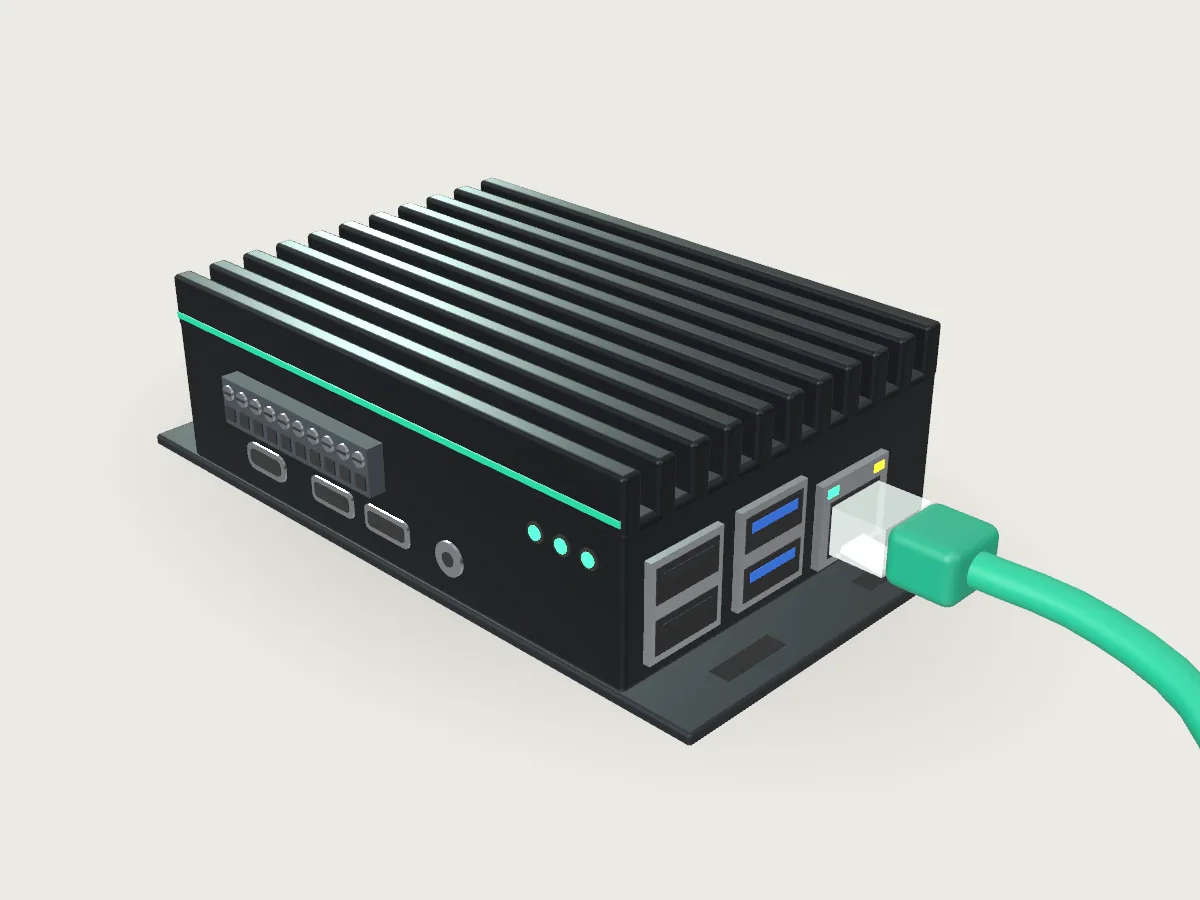
The official gateway takes power and network from a single PoE cable and provisions itself with the cloud. Enter the identifier printed on its label in the console, and it belongs to your account.
Setup
Online in three steps
Plug in one cable
Power and network share the same PoE cable.
Enter the identifier
On the console's gateway page, type the identifier on the gateway's label to bind it to your account.
Add equipment
Tell the assistant which devices to read, in conversation.
No commands to run and no configuration files on site.
Up close
See it from every side
Drag to turn it around, or replay the cable going in: power and link, identity, then online.
Identity
Every gateway proves who it is
A TPM 2.0 chip measures the firmware at boot, and only a gateway that passes verification and is listed in the factory register can connect. Gateway and cloud authenticate each other with certificates that expire and can be revoked.
A lifecycle on record
- BindAttached to your account with the label identifier.
- UnbindReleased from the account, ready to move.
- RebindBound again after a move or a replacement.
- RetireTaken out of service, with its certificate revoked.
Each step leaves an audit record.
On site
Built for the plant floor
Keeps data through outages
If the network drops for a while, data is kept on the gateway and sent automatically once the connection is back.
Outbound only
The gateway connects out to the cloud over encrypted channels, with no inbound ports to open.
Speaks Modbus
Modbus TCP devices directly; RS-485 (Modbus RTU) devices through a serial-to-Ethernet gateway.
Raw values kept
Readings are stored exactly as they arrived; cleaned and derived data is kept separately.
Put your first gateway on the line
Tell us about your equipment and what you would like to solve first. We will shape a rollout plan around your site and work through it with you from the first step.
Get a rollout plan